
As our homes become increasingly connected, it’s common to experience slower Wi-Fi speeds, especially during peak hours. In search of ways to improve connection quality, some tech enthusiasts suggest an unconventional hack: placing aluminum foil behind your router. But does it really work?
A Professor’s Take

James McQuiggan is a Security Awareness Advocate for KnowBe4 and a part-time faculty professor at Valencia College in the Engineering, Computer Programming & Technology Division. As such, he’s studied and thoroughly researched all things technology. He points out an interesting technique for boosting your Wi-Fi connection speed, using a sheet of aluminum foil behind your router.
Read More: Why Do Cows Have Holes in Their Stomachs in America?
Aluminum Foil Behind your Router for Faster Connection
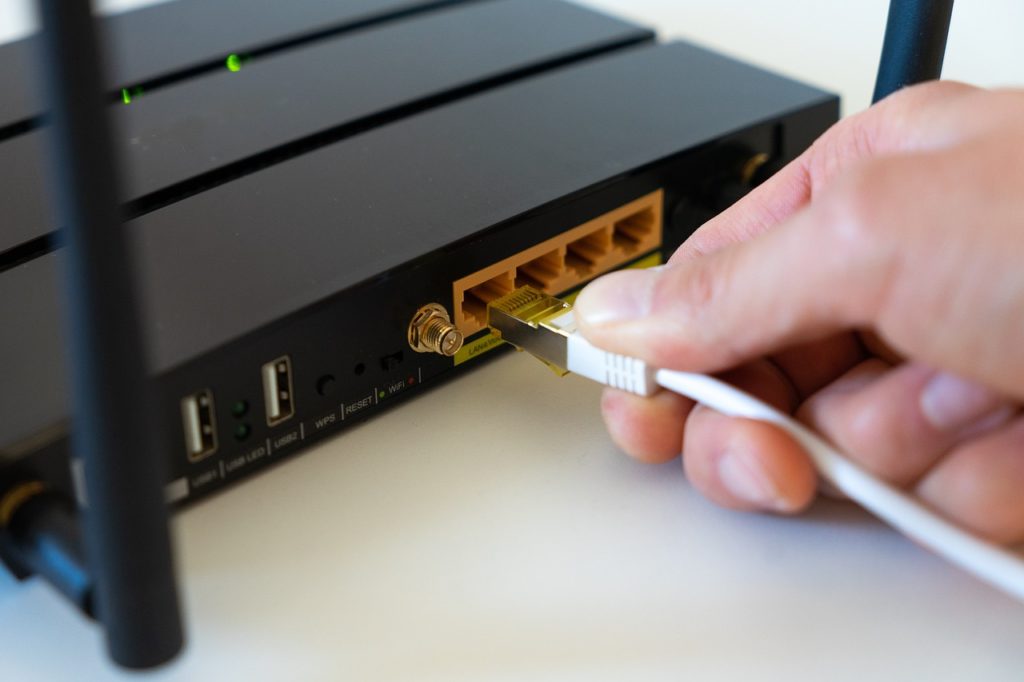
Apparently, when more devices are connected to the same wireless network, the signal becomes weaker. ”Like a sprinkler head spraying water in all directions,” explains McQuiggan. As a result, wireless signals go to places where they’re not needed and weaken them where they are.
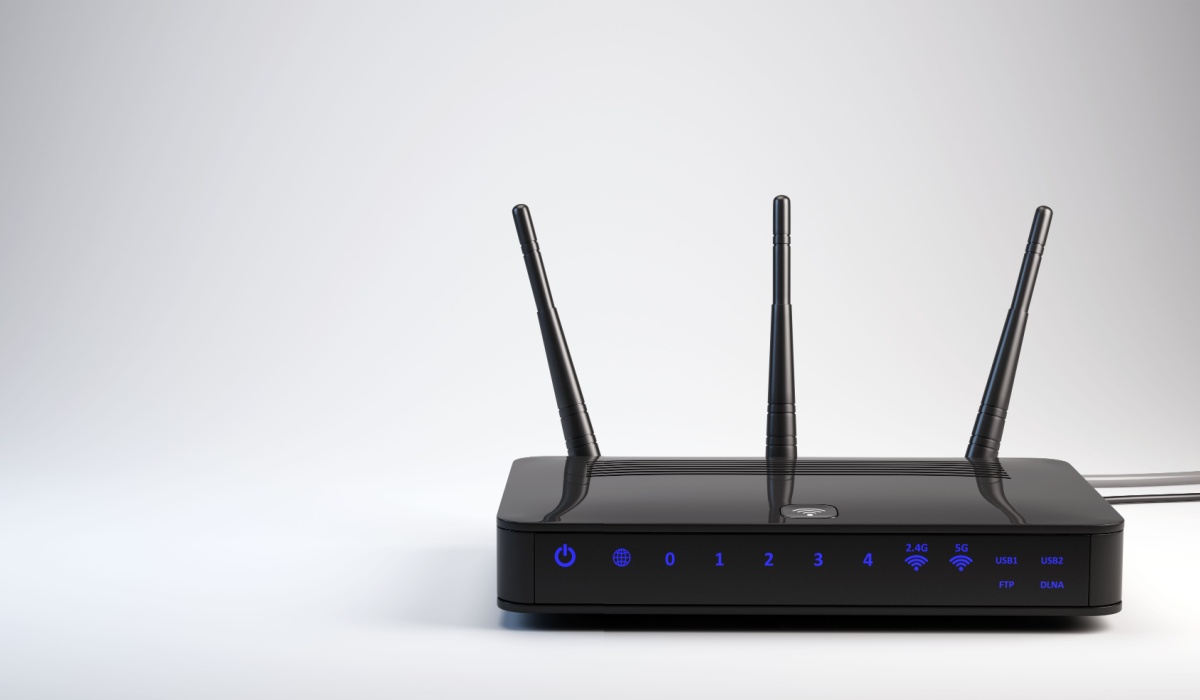
Additionally, obstructions like furniture or walls can impact the signal strength. That’s where the aluminum foil behind your router takes effect. Placing the aluminum foil behind your router with the shiny side facing outward will reflect the signal. This allows it to travel more freely yet methodically. Additionally, shaping the aluminum foil behind your router will give you more control over where the signal travels.
Testing the Theory
Although this hack might seem illegitimate, a research team at Dartmouth studied the theory, confirming Professor James McQuiggan’s theory. The team reported they created a “3D-printed shape” that was “covered in aluminum.” And strategically placed it to control where the signal traveled. They boosted the signal in desired places by more than half. Meanwhile, they decreased the signal in undesired places by just over 60%.
How to Place Aluminum Foil Behind Your Router

What you’ll need:
- 1 Foot Sheet of Aluminum Foil (Be Sure to Cover the Aentena to the Top) Note: Some routers won’t have an external antenna.
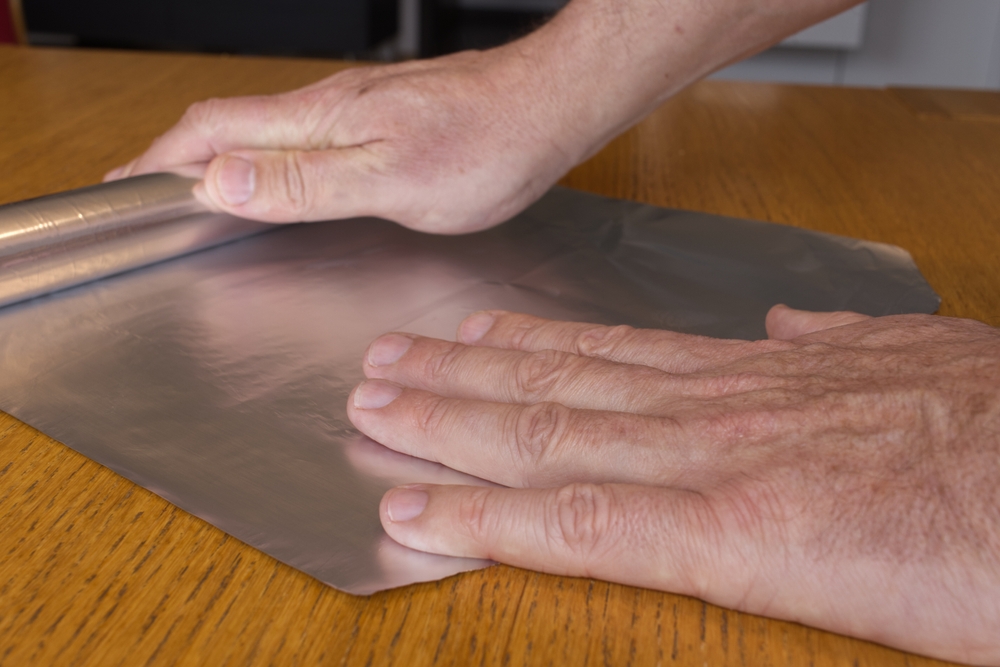
- Create a “C” shape with the sheet then place the aluminum foil behind your router. The shiny side should be facing inside the curve, toward the router. Fold out the bottom of the sheet to create a stand if it needs extra support to stand upright.
- Last, check the connection by going where you’d like to see an increase of signal such as on the couch or in the kitchen. Type “Google speed test” into your phone or computer browser’s search bar. Then run the blue “run speed test“ to get a report containing the connection speeds.
Aluminum Foild Behind your Router for Security
Apparently, placing aluminum foil behind your router is good for more than only improving speed and efficiency. The Dartmouth team also discovered the hack may be a successful way to ensure a secure connection. Placing aluminum foil behind your router limits how far the WiFi signal can reach, meaning hackers won’t be able to reach your connection, especially if you arrange the signals to avoid areas where a connection is never needed. “Such physical confinement of wireless signals serves as a complementary method to existing network security measures, such as encryption, and hence raises the barrier for attackers,” the researchers wrote.


